
NZQA Accreditation Map
A ready-to-use NZQA External Evaluation and Review map (New Zealand) with Evaluative Areas and Indicators. Duplicate and customise for your own programme or institution review.
Live and interactive — pan, zoom, and click nodes to explore the template.
About this template
This template maps a New Zealand program or provider to NZQA’s External Evaluation and Review (EER) framework — its Evaluative Areas and Indicators — with “informs” edges connecting your evidence to the areas it speaks to. It makes an EER self-assessment explorable rather than a long written narrative.
EER asks how well a provider is performing across its Evaluative Areas. A network map lets an evaluation team explore your evidence by area and Indicator, and helps you see where your self-assessment is well-supported and where it isn’t.
Fork it, confirm the Evaluative Areas and Indicators, add your program, and connect your evidence with “informs” links.
When to use it
- You are a New Zealand provider preparing for an NZQA External Evaluation and Review.
- You are building an EER self-assessment.
- You want to organise evidence by Evaluative Area and Indicator.
- You want to see where your self-assessment is under-supported.
Map structure
How this template organises its nodes, groups, and relationships.
Node types
- ProgrammeRoot
- Evaluative Area
- IndicatorLeaf
Relationship types
How to use this template
- 1
Fork the template
Click "Use this template" to copy it into your account. The map structure, node types, and groups are all pre-built.
- 2
Customise for your institution
Rename groups, add your own courses or outcomes, and adjust the relationships to match your program structure.
- 3
Generate or import your content
Paste your syllabus or upload a PDF — the AI will populate the map structure with your actual content.
- 4
Publish or share
Share a live link with accreditation reviewers, embed the map in your website, or export it for reports.
First steps with this template
- Confirm the Evaluative Areas and Indicators match the current EER framework.
- Add your program or provider and its evidence.
- Connect evidence to Evaluative Areas and Indicators with “informs” links.
- Publish and share the read-only map with your evaluation team.
New to curriculum mapping? Start with our free 30-minute tutorial — Learn Curriculum Mapping — then come back and fork this template.
Frequently asked questions
- What is NZQA’s External Evaluation and Review (EER)?
- EER is NZQA’s process for evaluating how well a tertiary provider is performing, structured around Evaluative Areas and Indicators, and informed by a provider’s self-assessment.
- What does the “informs” link mean?
- It connects a piece of your evidence to the Evaluative Area or Indicator it speaks to — showing evaluators what supports your self-assessment for each area.
- Can I customise it for my provider?
- Yes. Fork it, keep the EER structure, and connect your own program and evidence. Publish it so your evaluation team can explore it directly.
More Accreditation templates
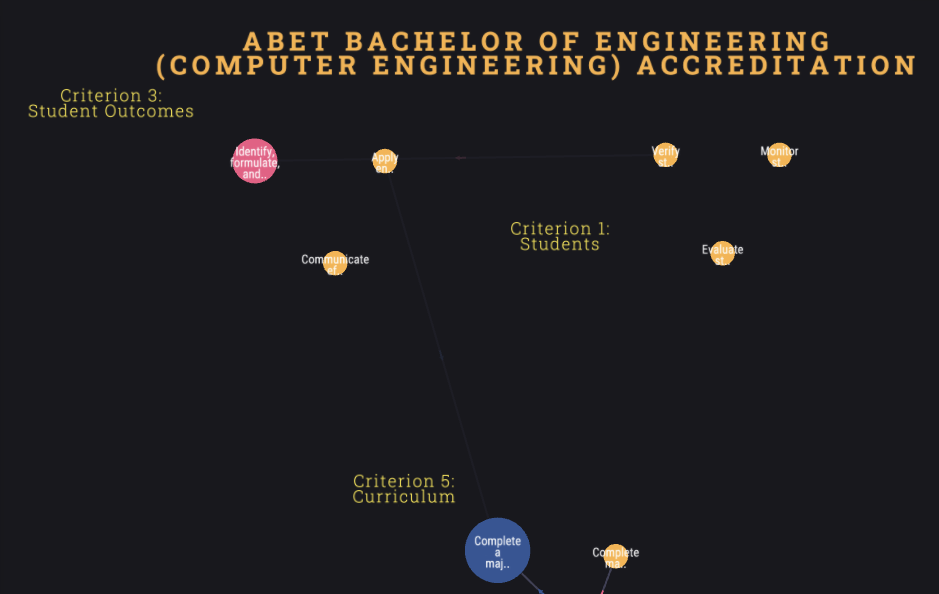
ABET Accreditation Map
A ready-to-use ABET accreditation map (US) with criteria, student outcomes, and supports relationships. Covers EAC general criteria. Duplicate and customise for your own engineering or computing programme.
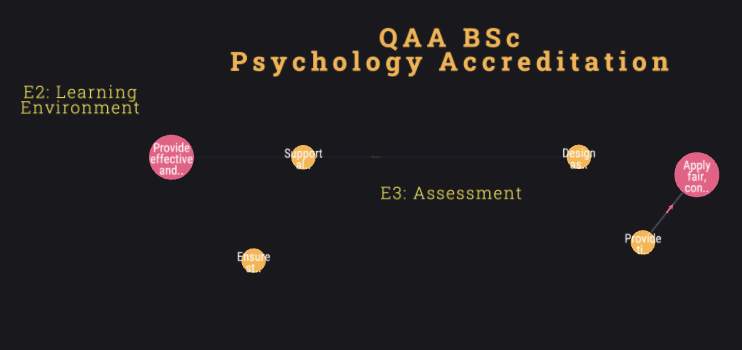
QAA Quality Code Map
A ready-to-use QAA Quality Code map (UK) with Expectations, Practices, and supports relationships. Covers key Quality Code themes. Duplicate and customise for your own programme or self-evaluation.
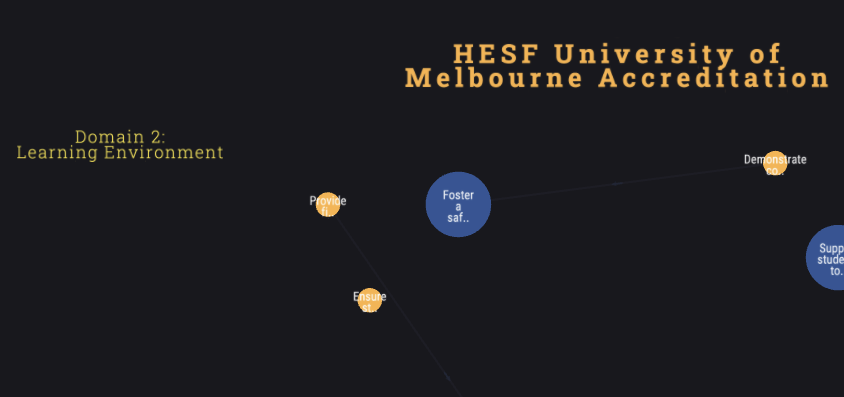
HESF Accreditation Map
A ready-to-use TEQSA Higher Education Standards Framework map (Australia) with Domains, Standards, and supports relationships. Duplicate and customise for your own institution or programme review.
Ready to build your curriculum map?
Fork this template and have a working map in minutes. Free to start — no credit card required.